- Product Details
- FAQs
Compact and Precise Metal Marking Solution for Flexible Production
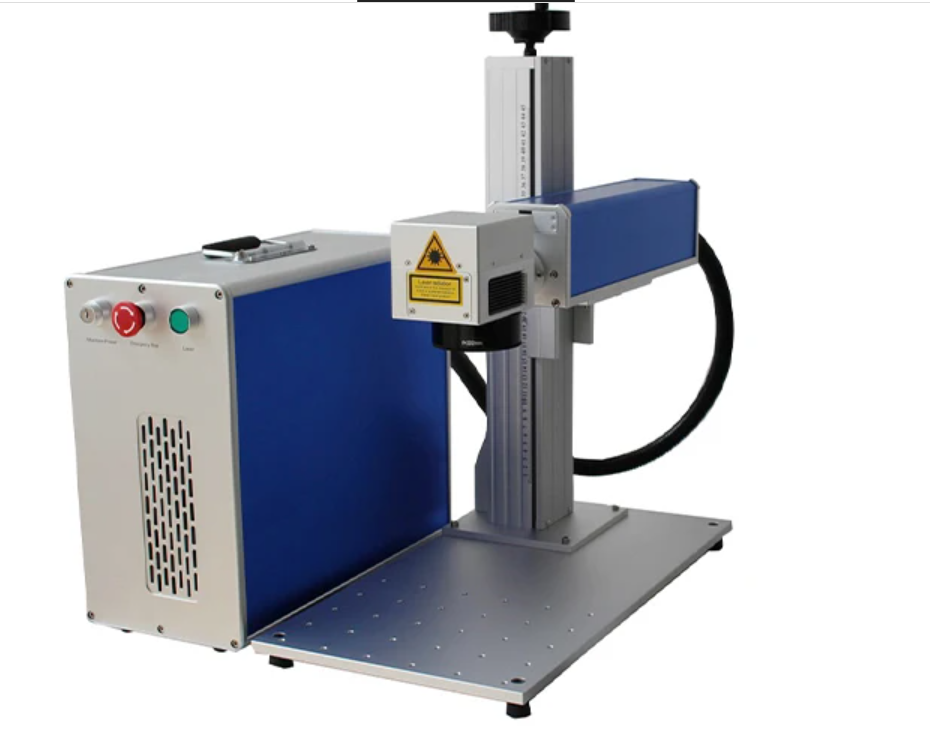
The desktop fiber laser marking machine is designed for applications where precision marking is required but available workspace is limited.
In many production environments, especially small workshops, tool rooms, and R&D departments, large cabinet machines are not always practical. They occupy more space, are difficult to relocate, and are typically optimized for fixed production workflows.
This desktop model addresses these limitations by offering a compact structure with full fiber laser performance. With a machine size of 300 × 550 × 800 mm, it can be installed on a standard workbench and easily integrated into existing working environments.
The system operates with a laptop or desktop computer, allowing users to set up and begin marking without complex infrastructure. This makes it suitable for users who need a flexible, reliable, and space-efficient marking solution.
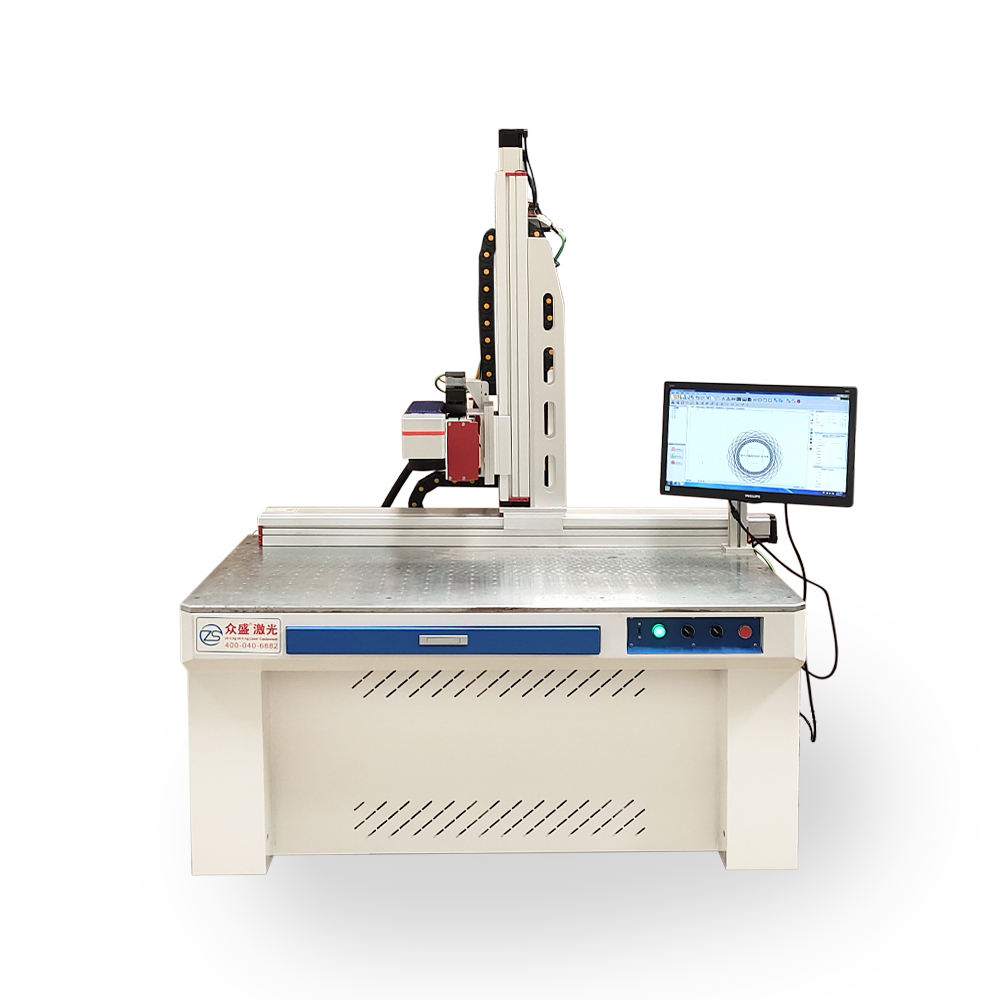
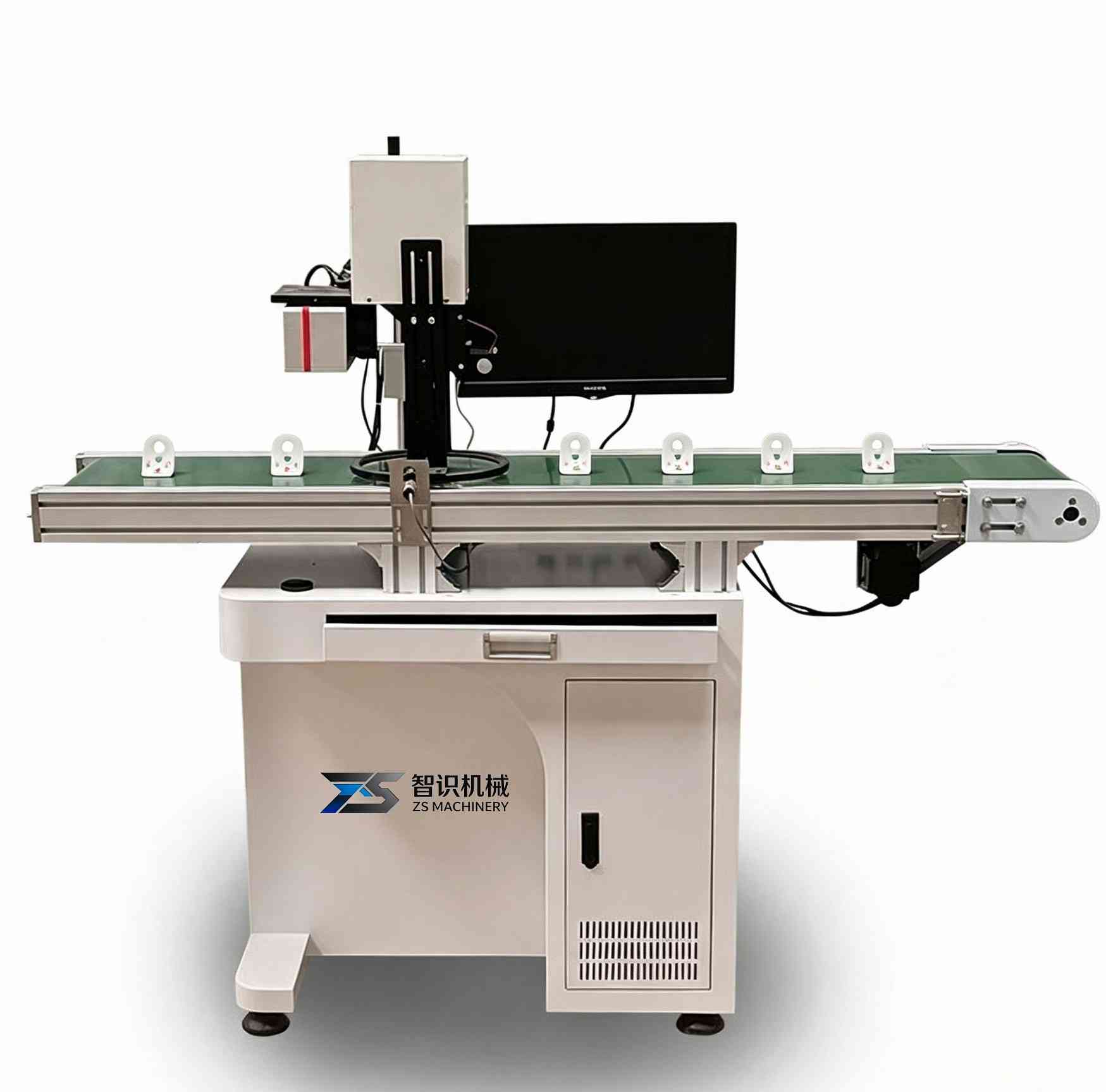
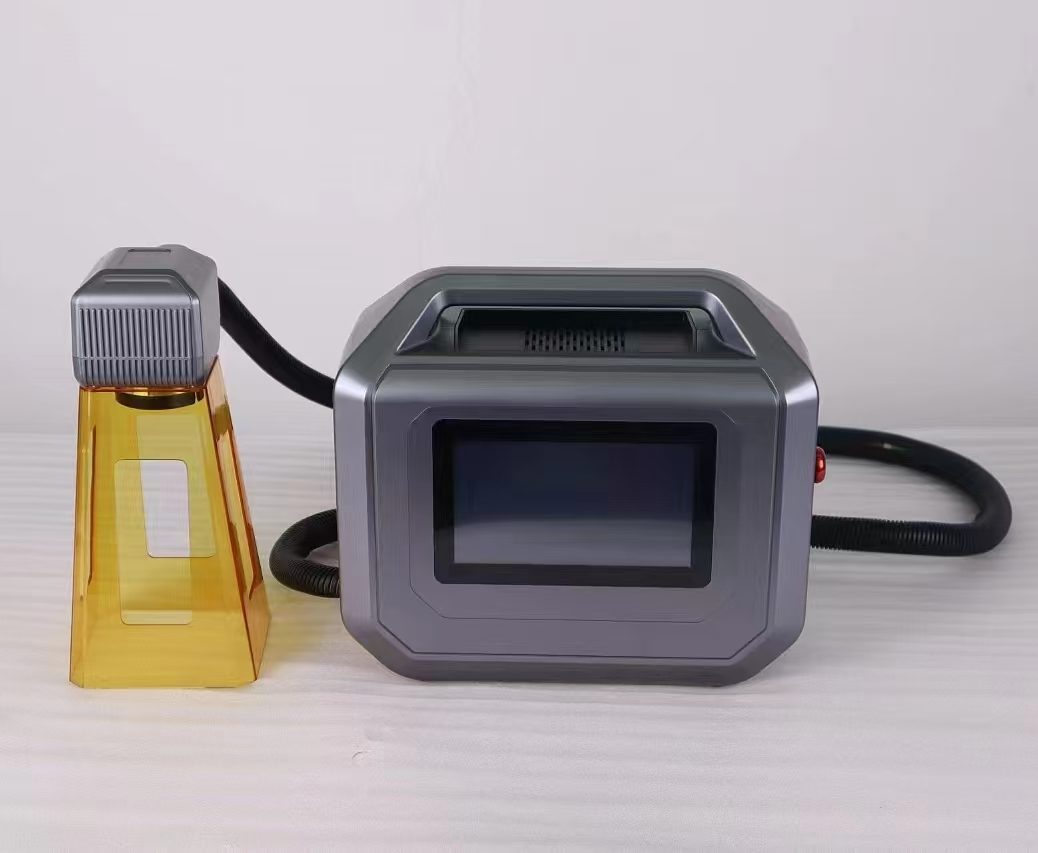
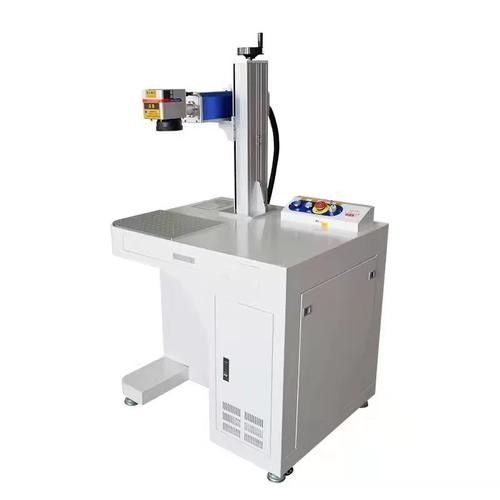
Desktop Fiber Laser Marking Machine
Working Principle and Technology
The machine uses a fiber laser source to generate a high-energy laser beam, which is transmitted through optical fiber and directed by a galvanometer scanning system.
When the laser interacts with the material surface, it produces localized heating that leads to physical or chemical changes. Depending on the parameters used, this can result in oxidation, surface discoloration, or material removal.
Because the process is non-contact, there is no mechanical stress applied to the workpiece. This is important for precision components where deformation or surface damage must be avoided.
The beam quality of fiber lasers is highly stable, allowing the machine to achieve fine details such as small text, logos, and high-density codes. This makes it suitable for applications where clarity and durability of the mark are critical.
Desktop vs Cabinet Laser Marking Machine
The difference between desktop and cabinet systems is mainly related to how they are used in production environments.
| Feature | Desktop Type | Cabinet Type |
| Machine Size | Compact, suitable for workbench installation | Larger, floor-standing structure |
| Mobility | Easy to relocate between workstations | Typically fixed in one position |
| Workspace Requirement | Suitable for limited space | Requires dedicated installation area |
| Operation Mode | Open structure | Enclosed structure |
| Production Style | Flexible, small batch or custom work | Stable, continuous batch production |
Desktop machines are generally selected when flexibility and space efficiency are priorities, while cabinet machines are chosen for standardized and repetitive production.
Structural Design and Space Efficiency
The structure of the desktop machine is designed to balance stability and compactness.
The vertical column provides adjustable height for focusing, allowing the operator to adapt to different workpiece sizes. The worktable offers a stable platform and can be used with fixtures when required.
Compared with cabinet systems, the reduced size allows the machine to be placed on existing workbenches without modifying the workspace layout. This is particularly useful in environments where space is shared between multiple processes.
The lighter structure also makes it easier to move the machine when production requirements change, which is not practical with larger cabinet systems.
Power Options and Application Matching
The machine is available in 20W, 30W, 50W, and 100W configurations. Each power level is suited to different marking requirements.
20W and 30W are typically used for surface marking. These configurations are sufficient for logos, serial numbers, barcodes, and standard identification marks. They are commonly used in applications where marking depth is not critical.
50W provides increased energy output, which improves marking speed and allows for deeper engraving. This is useful when higher productivity is required or when working with harder metals.
100W is designed for demanding applications that require high-speed marking or deep engraving. It is suitable for industrial environments where efficiency and throughput are important factors.
Selecting the appropriate power depends on the material, required marking depth, and production volume rather than simply choosing the highest specification.
Marking Area and Precision
The standard marking area is 110 × 110 mm, with optional configurations available.
A smaller marking field results in a higher energy density and better focus, which improves precision and detail quality. This is why desktop machines are often preferred for fine marking applications.
However, the marking area also limits the maximum size of the content that can be processed in a single operation. For larger designs, repositioning may be required.
In most industrial applications, this marking area is sufficient for part identification, logos, and coding requirements.
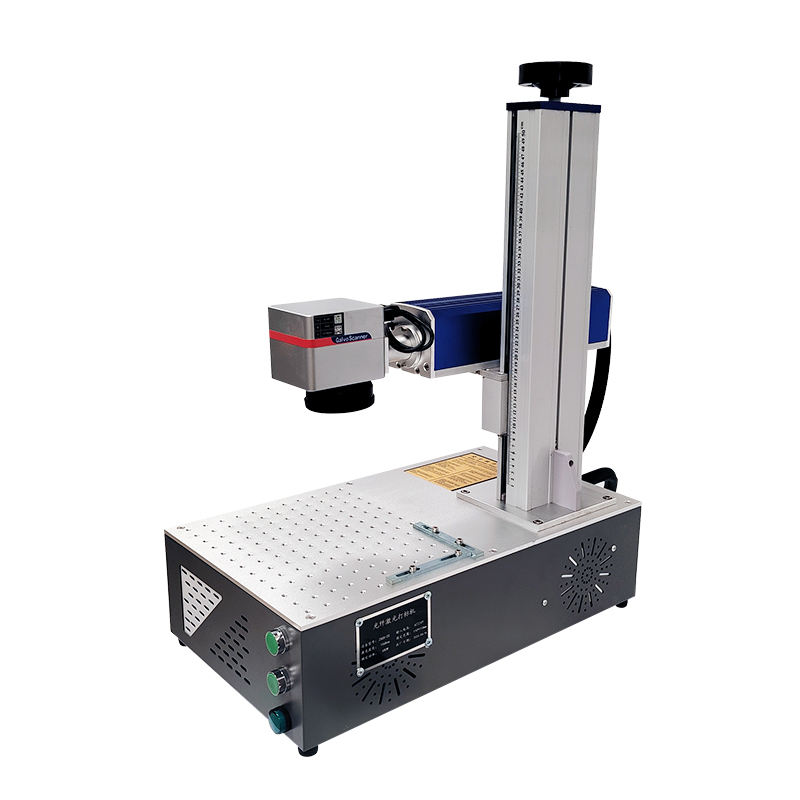
All In One Desktop Fiber Laser Marking Machine
Materials and Marking Capability
This machine is primarily designed for metal marking. It performs well on stainless steel, aluminum, carbon steel, brass, and copper.
Different marking effects can be achieved by adjusting parameters such as power, speed, and frequency. These include surface discoloration, engraving, and deeper etching.
It can also process coated surfaces such as anodized aluminum and painted metals by removing or modifying the coating layer.
Although fiber lasers are not optimized for all plastics, certain engineering plastics can be marked depending on their composition.
Typical Application Scenarios
In practical use, the desktop fiber laser marking machine is often selected for environments where flexibility is more important than automation.
It is commonly used in small manufacturing workshops where different types of parts need to be marked in varying quantities. In such cases, the ability to quickly adjust setups is more valuable than having a fixed production system.
It is also suitable for maintenance and repair operations where parts need to be marked or re-marked without being transported to a central facility.
In research and development environments, the machine is used to test marking parameters on new materials or product designs.
For custom engraving businesses, the compact structure allows professional marking capability without requiring large equipment.
Operation and System Requirements
The machine operates through a standard computer interface, using a laptop or desktop computer for control.
Users can import graphics, set marking parameters, and manage the marking process through the software. Basic understanding of parameters such as power, speed, and frequency is required to achieve optimal results.
Installation is straightforward and does not require complex setup. Once installed, the machine can be used with minimal training.
The open structure provides easy access to the workpiece, which simplifies operation, but it also requires proper safety awareness during use.
Limitations and Practical Considerations
The desktop design focuses on flexibility and compactness, which means it is not suitable for all production environments.
The open structure does not provide the same level of enclosure as cabinet machines, which may be required in certain safety-regulated environments.
It is not designed for fully automated production lines or integration with conveyor systems.
The marking area is smaller than that of large-format systems, which limits its use for large surface engraving.
These limitations should be considered in relation to the intended application.
Get a Quote and Technical Consultation
If you are evaluating a marking solution for your production, it is important to match the machine configuration with your actual materials, marking depth requirements, and production workflow.
We can provide application-based recommendations rather than standard configurations. Based on your samples or drawings, we will suggest suitable power options, marking area, and fixture design to ensure stable and efficient operation in your environment.
Sample marking tests are available to verify marking quality before purchase. This helps reduce uncertainty and ensures the selected configuration meets your expectations.
Contact us to discuss your application and receive a tailored solution with detailed technical support.
FAQs
1. What is the main advantage of a desktop fiber laser marking machine?
The main advantage is its compact size combined with full laser marking capability.
It allows users to perform high-precision marking without requiring large installation space, making it ideal for workshops, labs, and flexible production environments.
2. What materials can this machine mark?
The machine is mainly designed for metals such as stainless steel, aluminum, carbon steel, brass, and copper.
It can also mark some coated materials like anodized aluminum and painted surfaces. Certain engineering plastics may be marked depending on material composition.
3. How do I choose between 20W, 30W, 50W, and 100W?
The selection depends on your application rather than just power level.
20W and 30W are suitable for standard surface marking such as logos and serial numbers.
50W is recommended for faster marking and deeper engraving.
100W is used for high-speed production or applications requiring deeper marks on harder materials.
4. Is the marking permanent?
Yes.
Fiber laser marking creates permanent marks by changing the material surface through heat and energy. The marks will not fade, peel, or wear off under normal conditions.
5. Can this machine mark large parts?
Yes, but with limitations.
The standard marking area is relatively small, so large parts may require repositioning or moving the marking head.
For frequent large-format marking, a cabinet or gantry-type system may be more suitable.
6. Does the machine require special installation conditions?
No complex installation is required.
The machine can be placed on a standard workbench and operated with a laptop or desktop computer.
However, basic electrical supply and proper ventilation are recommended for stable operation.
7. Is it suitable for continuous industrial production?
This model is designed for flexible and small-batch production rather than continuous automated production.
For high-volume production lines, a cabinet or automated marking system would be more appropriate.
8. Is the machine easy to operate?
Yes.
The software interface is user-friendly, and most operators can learn basic operation in a short time.
However, understanding parameters such as power, speed, and frequency is important to achieve optimal marking results.
9. What is the difference between desktop and cabinet laser marking machines?
Desktop machines are compact, flexible, and easy to move, making them suitable for small-scale or variable production.
Cabinet machines are larger, enclosed, and more suitable for stable, high-volume, and standardized production environments.
10. Does the open structure affect safety?
The open structure provides easier access and flexibility, but it requires proper safety awareness.
Operators should use protective measures such as safety glasses and follow standard laser safety guidelines during operation.
11. Can the machine be customized?
Yes.
Different marking areas, power configurations, and fixtures can be customized based on your application requirements.
12. Do you provide sample testing before purchase?
Yes.
Sample marking tests can be provided based on your materials or drawings.
This helps verify marking quality and ensures the selected configuration matches your requirements before purchase.